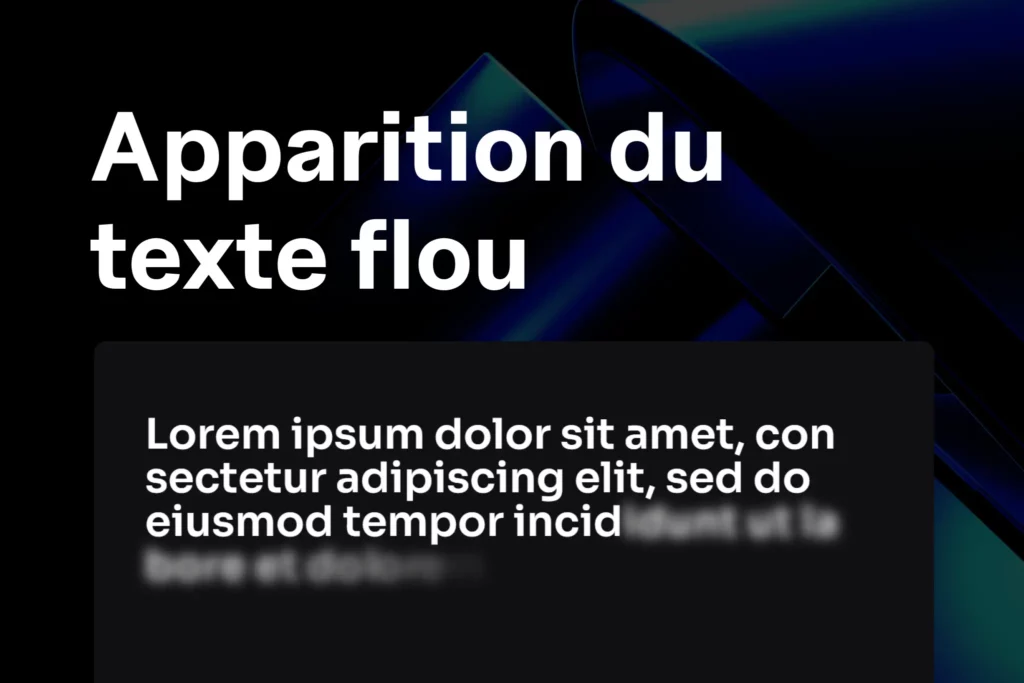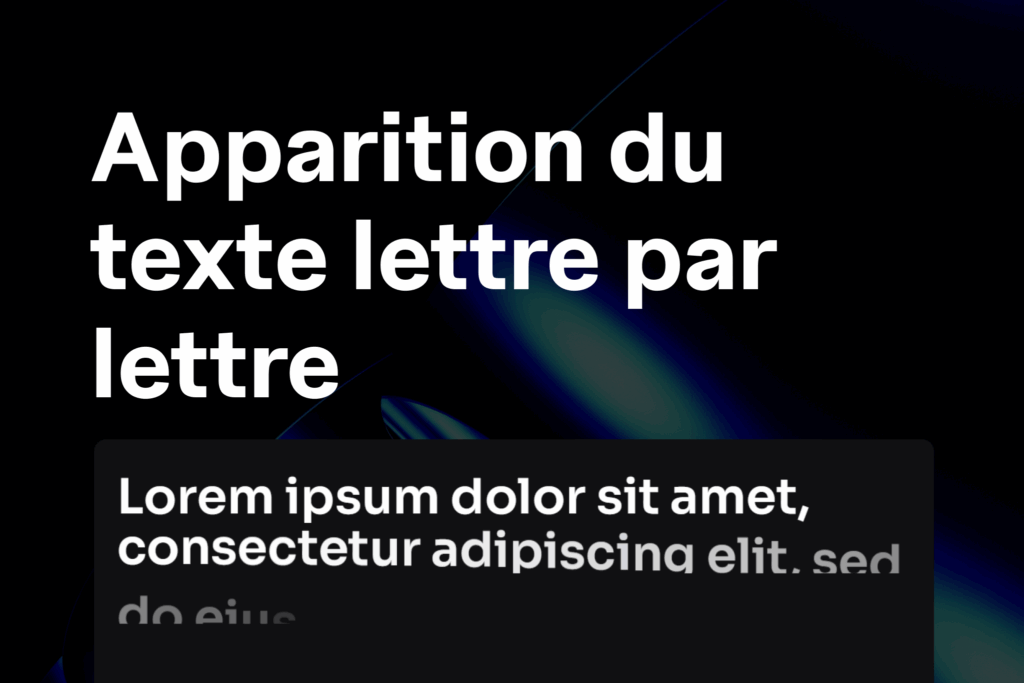

L’effet mot reveal donne un rendu moderne et accrocheur à tes titres : chaque mot apparaît l’un après l’autre au scroll, comme dans les intros animées des sites créatifs.
1. Ajouter le code dans Elementor
- Va dans Modèle → Code personnalisé.
- Cliquez sur Ajouter un nouveau code.
- Colle le code suivant et place-le dans </body> – Fin
 :
:
<script src="https://unpkg.com/split-type"></script>

<style>
/* Empêche les sauts verticaux lors du masquage */
.textWordReveal .elementor-heading-title .line {
  overflow: hidden;
}

/* Chaque mot est animé individuellement */
.textWordReveal .elementor-heading-title .word {
  display: inline-block;
  will-change: transform, opacity;
  transform: translateY(100%);
  opacity: 0;
}

/* Animation quand .fadeIn est ajouté */
.textWordReveal.fadeIn .elementor-heading-title .word {
  animation: twr-goUp 0.9s cubic-bezier(0, 0, 0.24, 1.02) forwards;
  transform-origin: 0 100%;
}

/* Animation verticale simple */
@keyframes twr-goUp {
  0%   { transform: translateY(100%); opacity: 0; }
  20%  { opacity: 0; }
  30%  { opacity: 0.4; }
  100% { transform: translateY(0); opacity: 1; }
}

/* Variante avec un léger twist (facultatif) */
@keyframes twr-goUpTwist {
  0%   { transform: translateY(100%) rotate(8deg); opacity: 0.2; }
  20%  { opacity: 0; }
  30%  { opacity: 1; }
  100% { transform: translateY(0) rotate(0); opacity: 1; }
}
</style>

<script>
document.addEventListener('DOMContentLoaded', function () {
  var speedOfWordAnimation = 0.15; // vitesse entre mots (0.15 = 150ms)

  var containers = document.querySelectorAll('.textWordReveal');

  // Observer pour déclencher l'animation à l'apparition
  var io = ('IntersectionObserver' in window)
    ? new IntersectionObserver(function(entries){
        entries.forEach(function(entry){
          if (entry.isIntersecting) {
            entry.target.classList.add('fadeIn');
            // Retire la ligne ci-dessous si tu veux rejouer à chaque scroll
            io.unobserve(entry.target);
          }
        });
      }, { threshold: 0.2 })
    : null;

  containers.forEach(function(container){
    var heading = container.querySelector('.elementor-heading-title');
    if (!heading) return;

    // Split du texte en lignes et mots
    var splitter = new SplitType(heading, { types: 'lines, words' });

    // Application des délais mot par mot
    function applyWordDelays() {
      var words = heading.querySelectorAll('.word');
      words.forEach(function(word, i){
        word.style.animationDelay = (i * speedOfWordAnimation) + 's';
      });
    }
    applyWordDelays();

    // Réinitialisation du split si resize
    var lastW = window.innerWidth;
    window.addEventListener('resize', function(){
      if (window.innerWidth !== lastW) {
        splitter.revert();
        splitter = new SplitType(heading, { types: 'lines, words' });
        applyWordDelays();
        lastW = window.innerWidth;
      }
    });

    // Active l’observer ou lance directement
    if (io) {
      io.observe(container);
    } else {
      container.classList.add('fadeIn');
    }
  });
});
</script>
Préparer ton titre sur Elementor
- Ajoute un widget Titre (Heading).
- Va dans Avancé → Classes CSS et ajoute :
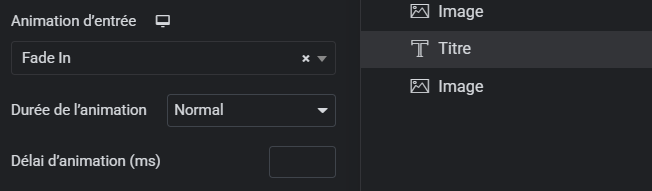
textLetterReveal - Ajoute une animation d’entrée simple (par ex. Fade In) dans Elementor.
👉 Cela évite le bug d’affichage à l’apparition (lettres visibles avant animation).
Résultat attendu
- Au chargement ou quand le titre entre dans le viewport :
→ chaque lettre apparaît l’une après l’autre avec un effet fluide. - L’animation se joue une seule fois (mais tu peux la rejouer en retirant
io.unobserve(entry.target)du code).
Personnalisation
Tu peux ajuster :
Vitesse entre les mots : var speedOfCharAnimation = 0.15; → mets 0.30 pour ralentir, ou 0.05 pour accélérer.
Type d’animation : Remplace twr-goUp par twr-goUpTwist pour un effet avec rotation.
Déclenchement : Dans IntersectionObserver, modifie le threshold: 0.2 (20% visible avant déclenchement).
 Créer avec Elementor