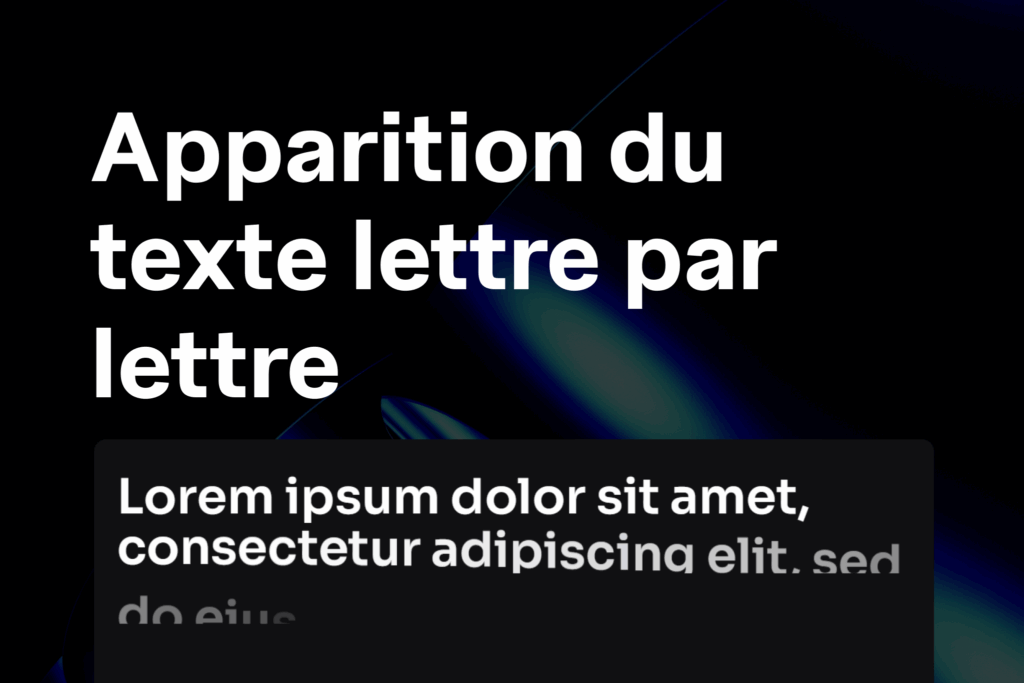
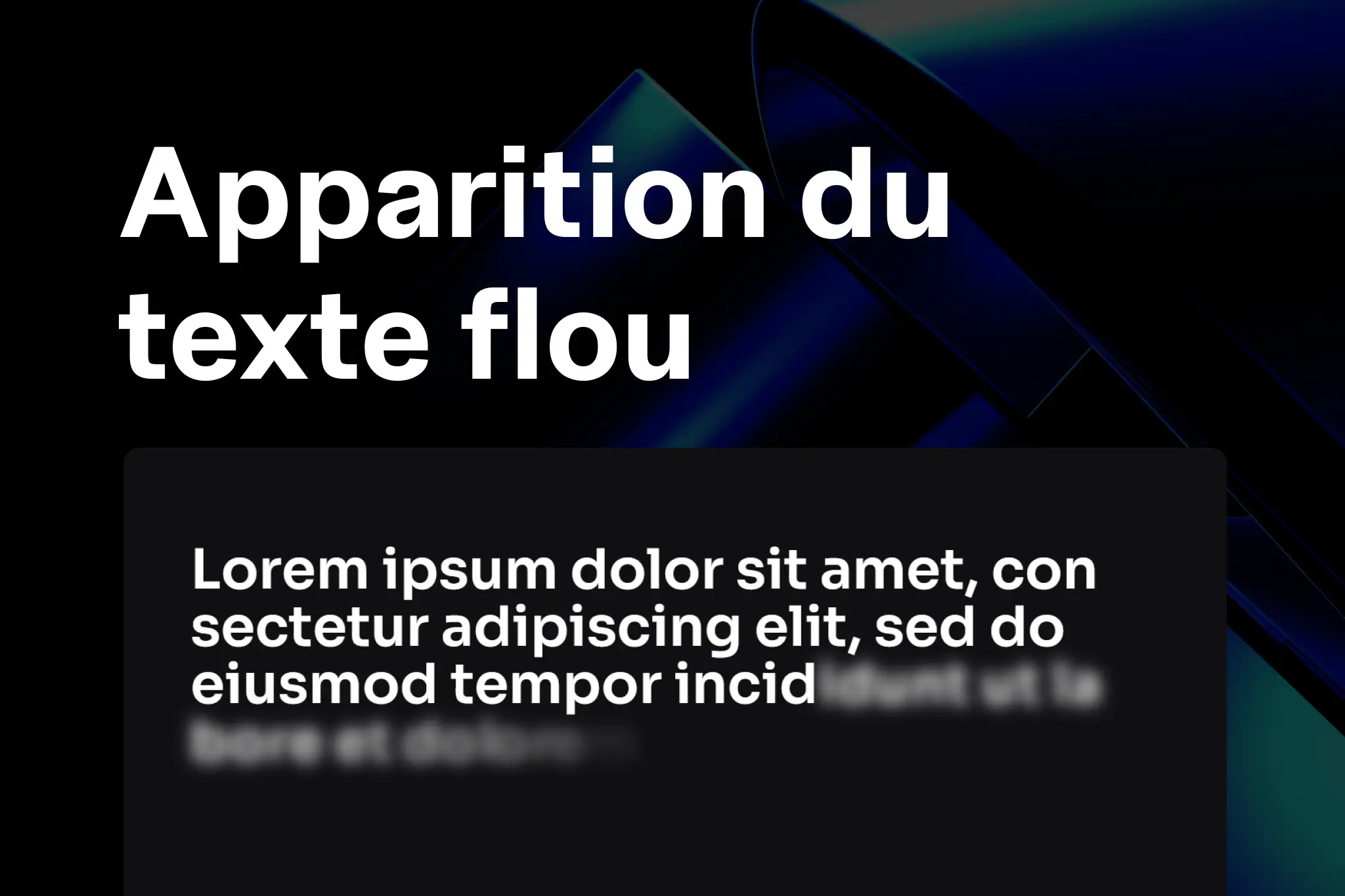
This effect provides a modern and fluid look: the letters appear one by one with a slight blur that gradually fades away.
Add the Code in Elementor
Go to
Paste the script below and choose the location
<script src="https://cdnjs.cloudflare.com/ajax/libs/gsap/3.11.3/gsap.min.js"></script>
<script src="https://cdnjs.cloudflare.com/ajax/libs/gsap/3.11.3/ScrollTrigger.min.js"></script>

<style>
  /* Conteneur des lettres */
  .letter {
    display: inline-block;
    overflow: hidden;
  }
</style>

<script>
document.addEventListener('DOMContentLoaded', function () {
  gsap.registerPlugin(ScrollTrigger);

  // Fonction pour splitter le texte en lettres individuelles
  function splitTextIntoSpans(element) {
    const text = element.innerText;
    element.innerHTML = "";
    element.style.visibility = "visible"; // affiché seulement après split
    text.split("").forEach(char => {
      const span = document.createElement("span");
      span.style.display = "inline-block";
      span.style.opacity = "0";
      span.style.filter = "blur(8px)";
      span.style.transform = "translateX(-50px)";
      span.innerText = char === " " ? "\u00A0" : char; // espace insécable
      element.appendChild(span);
    });
  }

  // Sélection de tous les titres avec la classe .text-blur
  let revealContainers = document.querySelectorAll('.text-blur .elementor-heading-title');

  revealContainers.forEach(title => {
    splitTextIntoSpans(title);

    let tl = gsap.timeline({
      scrollTrigger: {
        trigger: title,
        start: "top 90%", // quand le titre entre dans la vue
        end: "top 20%",   // jusqu’à ce qu’il remonte
        toggleActions: "restart none none reset",
        scrub: 1,
        markers: false // passe à true pour débuguer
      }
    });

    // 1. Fade-in global du titre
    tl.fromTo(title,
      { opacity: 0 },
      { opacity: 1, duration: 0.5, ease: "power2.out" }
    );

    // 2. Animation lettre par lettre
    tl.fromTo(title.querySelectorAll("span"),
      {
        x: '-50%',
        filter: 'blur(8px)',
        opacity: 0
      },
      {
        x: '0%',
        filter: 'blur(0)',
        opacity: 1,
        duration: 1.5,
        ease: "power4.out",
        stagger: 0.05
      },
      "-=0.3" // chevauche le fade-in global
    );
  });
});
</script>
Apply the Effect in Elementor
1. Open the page with Elementor.
2. Select your heading (Heading widget).
3. In the Advanced → CSS Classes tab, add:
text-blur4. Update the page and test by scrolling → your text will appear with a blur + fade-in + offset effect.
Tips for Customizing the Animation
You can easily adapt the code:
- Modify the blur → change the value
blur(8px)(for exampleblur(15px)for a stronger effect). - Change the speed → adjust
duration: 1.5(lower = faster). - Appearance spacing → modify
stagger: 0.05(0.1 = slower appearance, 0.02 = faster). - Scroll trigger → adjust
start: "top 90%"(lower = animation starts earlier). - Loop or not → change
toggleActions: "restart none none reset"(for example"play none none none"for a single time).
Practical Tips
- Use this effect only on a few headings to avoid slowing down the page.
- Combine it with a contrasting background to clearly see the blur.
- Test on mobile; sometimes reducing text size makes the effect smoother.
 Créer avec Elementor