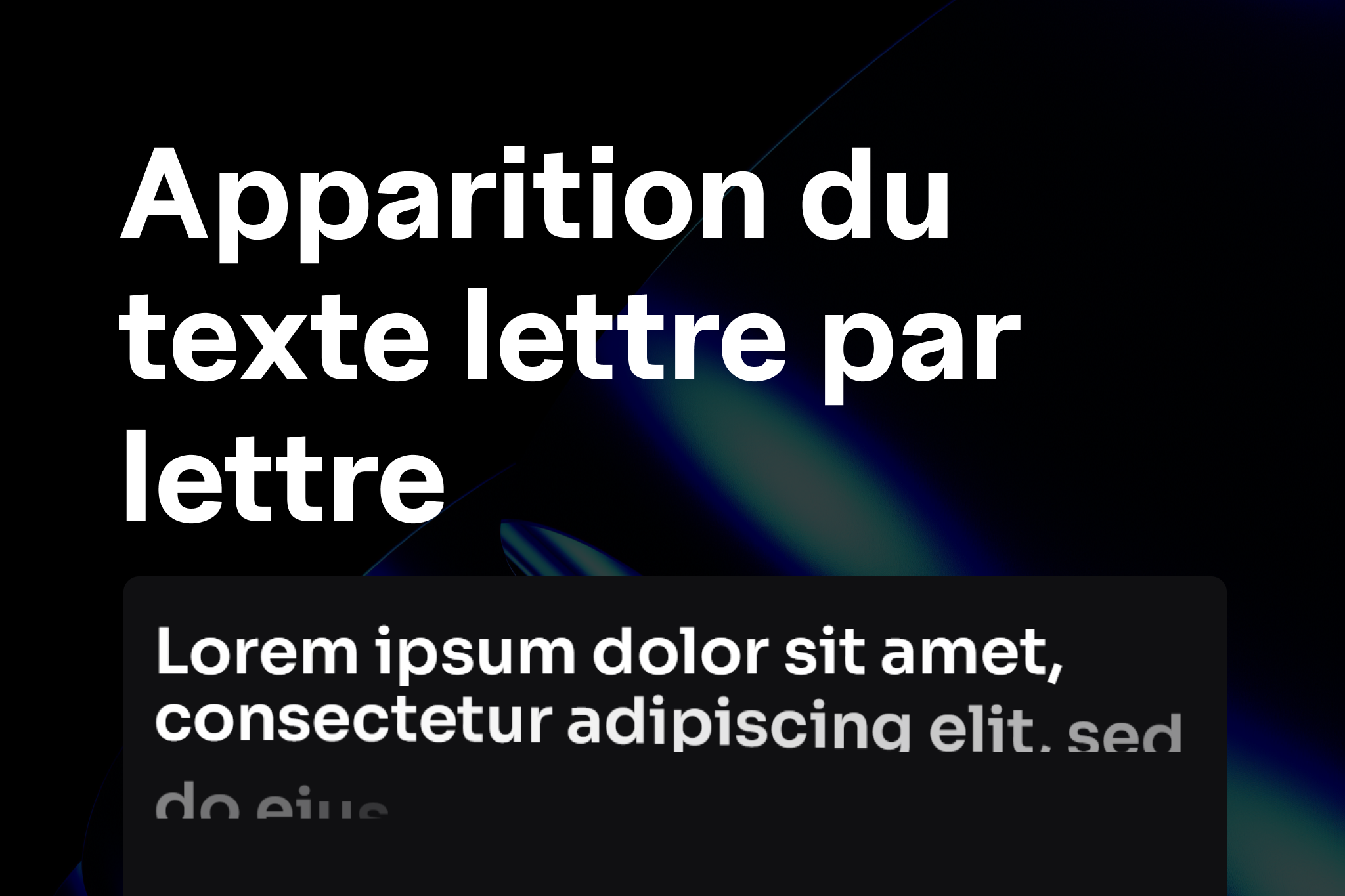
The letter reveal effect gives your headings a modern and eye-catching look: each letter appears one after another on scroll, just like in the animated intros of creative websites.
1. Add the Code in Elementor
- Go to Templates → Custom Code.
- Click on Add New Code.
- Paste the following code and place it in </body> – End
 :
:
<script src="https://unpkg.com/split-type"></script>

<style>
/* Empêche les sauts verticaux lors des masques */
.textLetterReveal .elementor-heading-title .line {
  overflow: hidden;
}

/* Chaque lettre est animée individuellement */
.textLetterReveal .elementor-heading-title .char {
  display: inline-block;
  will-change: transform, opacity;
}

/* Animation quand .fadeIn est ajouté */
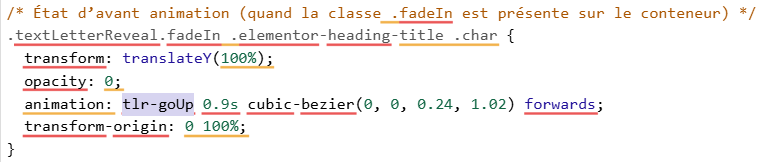
.textLetterReveal.fadeIn .elementor-heading-title .char {
  transform: translateY(100%);
  opacity: 0;
  animation: tlr-goUp 0.9s cubic-bezier(0, 0, 0.24, 1.02) forwards;
  transform-origin: 0 100%;
}

/* Animation verticale */
@keyframes tlr-goUp {
  0%   { transform: translateY(100%); opacity: 0; }
  20%  { opacity: 0; }
  30%  { opacity: 0.4; }
  100% { transform: translateY(0); opacity: 1; }
}

/* Variante avec rotation (si tu veux tester) */
@keyframes tlr-goUpTwist {
  0%   { transform: translateY(100%) rotate(8deg); opacity: 0.2; }
  20%  { opacity: 0; }
  30%  { opacity: 1; }
  100% { transform: translateY(0) rotate(0); opacity: 1; }
}
</style>

<script>
document.addEventListener('DOMContentLoaded', function () {
  var speedOfCharAnimation = 0.02; // vitesse entre lettres (0.02 = 40ms)

  var containers = document.querySelectorAll('.textLetterReveal');

  var io = ('IntersectionObserver' in window) ? new IntersectionObserver(function(entries){
    entries.forEach(function(entry){
      if (entry.isIntersecting) {
        entry.target.classList.add('fadeIn');
        io.unobserve(entry.target); // joue une seule fois
      }
    });
  }, { threshold: 0.2 }) : null;

  containers.forEach(function(container){
    var heading = container.querySelector('.elementor-heading-title');
    if (!heading) return;

    var splitter = new SplitType(heading, { types: 'lines, chars' });

    function applyCharDelays() {
      var chars = heading.querySelectorAll('.char');
      chars.forEach(function(char, i){
        char.style.animationDelay = (i * speedOfCharAnimation) + 's';
      });
    }
    applyCharDelays();

    var lastW = window.innerWidth;
    window.addEventListener('resize', function(){
      if (window.innerWidth !== lastW) {
        splitter.revert();
        splitter = new SplitType(heading, { types: 'lines, chars' });
        applyCharDelays();
        lastW = window.innerWidth;
      }
    });

    if (io) {
      io.observe(container);
    } else {
      container.classList.add('fadeIn');
    }
  });
});
</script>
Prepare your Heading in Elementor
- Add a Heading widget.
- Go to Advanced → CSS Classes and add:
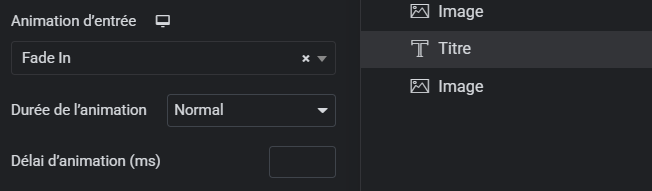
textLetterReveal - Add a simple entrance animation (e.g., Fade In) in Elementor.
👉 This prevents the display bug on appearance (letters visible before animation).
Expected Result
- On load or when the heading enters the viewport:
→ each letter appears one after another with a smooth effect. - The animation plays only once (but you can replay it by removing
io.unobserve(entry.target)from the code).
Customization
You can adjust:
Speed between letters: var speedOfCharAnimation = 0.02; → set 0.05 to slow down, or 0.01 to speed up.
Animation type: Replace tlr-goUp with tlr-goUpTwist for a rotation effect.
Trigger: In IntersectionObserver, modify the threshold: 0.2 (20% visible before triggering).
 Créer avec Elementor